


Fetcher alternatives after the shutdown (2026)

October 28, 2026

On October 6, 2026, Juicebox announced an agreement to acquire Fetcher's intellectual property and other assets, and Fetcher retired its platform on October 16. If you used Fetcher to source candidates and run automated email outreach, your replacement needs three things: search you can check, outreach that sends from your own mailbox, and a clear answer on how much of the work your team still does by hand.
Findem publishes this guide, and Findem Studio is our product. We describe every other tool from its own public website as of October 28, 2026, and we leave prices out of the comparison because vendor pricing changes and is not always published.
What happened to Fetcher
Fetcher told customers on October 2 that it was retiring its platform and acknowledged that two weeks was a short window. Founded in 2016, Fetcher says it served more than 1,500 customers and over 5,000 recruiters (Business Wire, October 6, 2026).
| Date (2026) | What happened |
|---|---|
| October 2 | Fetcher announces it is retiring its platform and starts emailing customers. |
| October 6 | Juicebox announces an agreement to acquire Fetcher's intellectual property and other assets. |
| October 16 | The Fetcher platform shuts down. It is the last day to request a full export. |
| November 19 | Fetcher email support ends. |
| After November 19 | Fetcher says it will securely delete all remaining account data. |
Nothing moves on its own. Fetcher's FAQ says your positions, pipelines and notes stay with Fetcher until you export them, so every new tool starts from whatever you took with you.
What Fetcher did
According to the Business Wire announcement, Fetcher was a talent sourcing and recruiting automation platform whose product combined recruiting expertise with automation to identify and engage qualified candidates, with a human-in-the-loop approach. Its wind-down FAQ fills in the day-to-day picture:
- Fetcher sourced candidates against your search, and its team screened talent before it reached your pipeline.
- Outreach sequences went out through a connected Gmail or Outlook account or through Fetcher's own email sending.
- Fetcher connected to customers' ATS and email accounts.
That mix matters when you choose what comes next. If your team leaned on Fetcher's people to screen candidates, ask each vendor who does the screening, and budget that time back into someone's week if the answer is you.
What to look for in a Fetcher replacement
| What to check | Why it matters after Fetcher | What to ask the vendor |
|---|---|---|
| Search coverage and match reasons | You need a new source of candidates for roles that are still open. | Which sources do you search, and can I see why each person matched? |
| Who does the work | Fetcher paired software with its own team's screening. | Do I run the searches, or do agents run them while I approve the results? |
| Sending from your own mailbox | Mail sent from your own inbox keeps the conversation history with you if a vendor goes away. | Does outreach go from my mailbox, and do I approve messages before they send? |
| Screening | A shortlist still needs a first conversation before a hiring manager sees it. | Is there a screen, and do candidates know when AI is running it? |
| ATS fit | Your new tool has to connect to whatever system holds your candidates. | Which ATS do you connect to, and does the tool work if we don't have one? |
| Commitment | Two weeks' notice is a reason to prove a tool on real roles before a long contract. | Can I start small, pay as I go, or cancel monthly? |
Fetcher alternatives at a glance
| Tool | Best fit | What it does, per its own site |
|---|---|---|
| Findem Studio with ReadySlate Lite | Small teams and companies without a dedicated recruiter that want self-serve sourcing | Paste a job posting, approve the requirements, pick a shortlist. Optional outreach from your own mailbox and a 5-minute AI voice screen. |
| Juicebox | Recruiters who want natural-language search and sourcing agents | Agents that learn how you search and source around the clock, with search across 800M profiles and 30+ data sources. |
| SeekOut | Teams that want sourcing, applicant evaluation and AI screening together | Search across 1B+ profiles and your ATS, also available inside AI assistants such as Copilot, ChatGPT and Claude. |
| hireEZ | Teams that want agents across sourcing, applicant review, screening and scheduling | Sourcing agents across a billion-plus profiles and 45+ platforms, plus conversational AI screening and interview scheduling. |
| Gem | TA teams that want to consolidate ATS, CRM and sourcing | One platform for ATS, CRM, sourcing, scheduling, fraud detection and analytics, with an AI sourcing agent that searches 800M+ profiles. |
| Pin | Recruiters, agencies, and hiring teams that want sourcing plus automated outreach | A ranked candidate list from 850M+ profiles when you paste a job description, plus multi-channel outreach and interview scheduling. |
| LinkedIn Recruiter | Recruiters who source mostly on LinkedIn | Recruiter Lite for individuals and small businesses with light hiring needs. Recruiter for mid-market and enterprise teams, with a Hiring Assistant AI add-on. |
The alternatives, one by one
1. Findem Studio with ReadySlate Lite
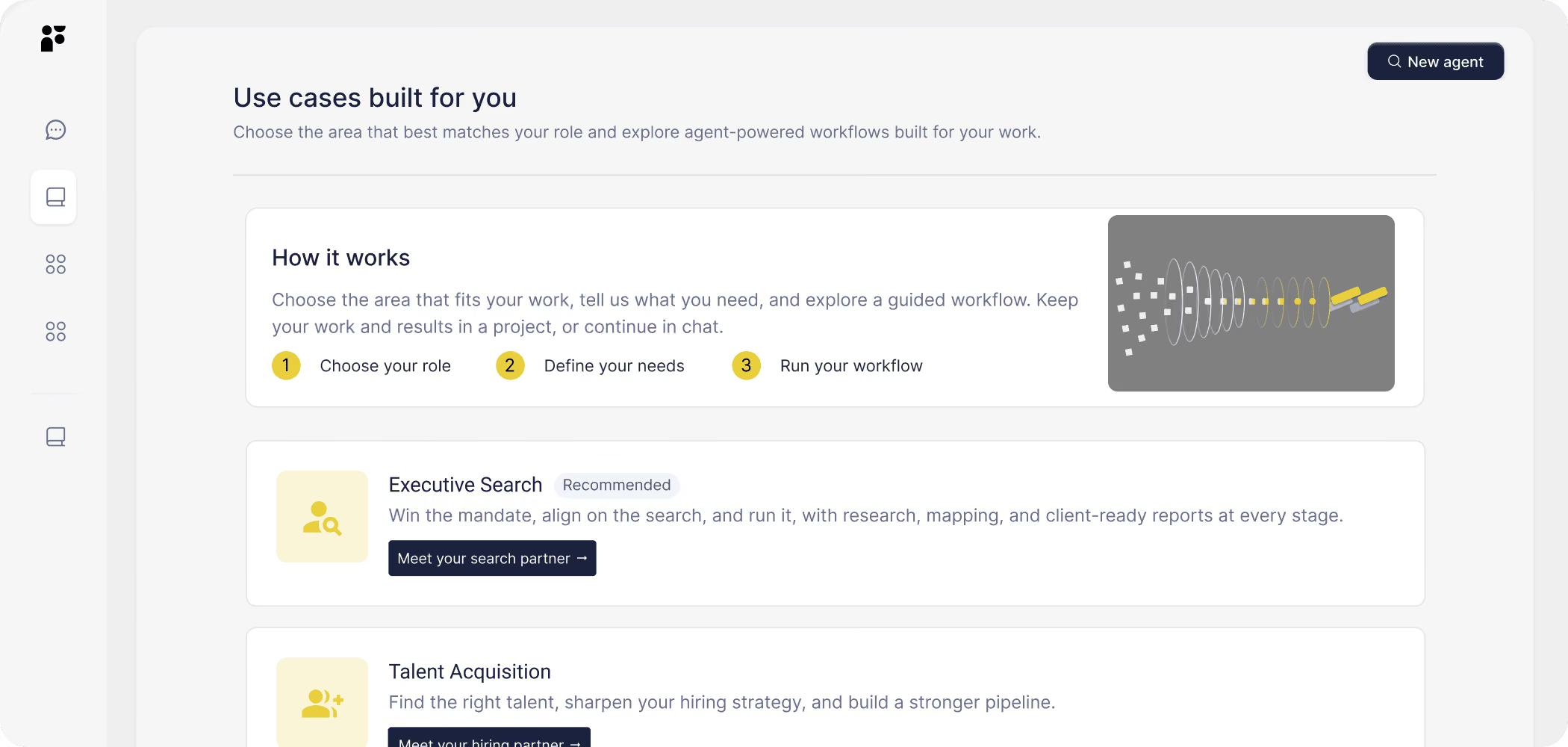
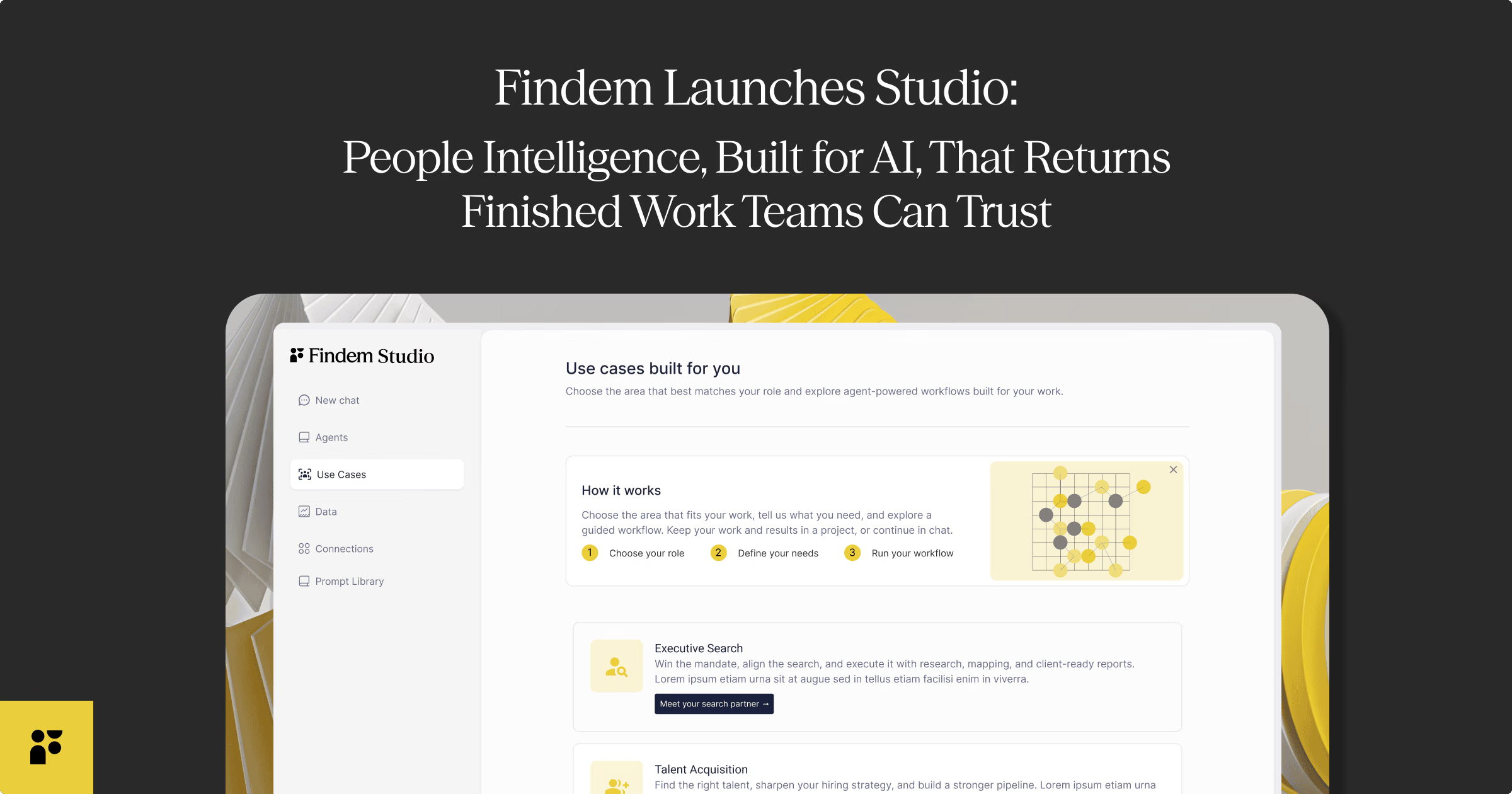
Findem Studio launched on September 22, 2026. On October 21, we introduced ReadySlate Lite, a self-serve agent in Studio for companies that don't have a dedicated TA function: HR handles hiring, hiring managers or founders run their own searches, or there is no ATS or recruiting CRM. Here is how a search runs:
- Paste a job posting. The agent drafts the requirements, and you check them one by one.
- The agent builds a long list of people who fit and adds new matches on every run.
- You pick the shortlist, and your picks go to your Findem project.
- Optional: the agent emails candidates from your own mailbox.
- Optional: it runs a 5-minute voice screen with the people who say yes. Candidates know in advance that an AI is conducting it.
You choose what the agent does on its own and what waits for you. ReadySlate runs on Findem's People Intelligence Platform, where expert labeling turns people data into evidence-backed signals about what someone has done and can do. That is why it matches against your requirements rather than a keyword list. For Fetcher users, the practical difference is that outreach comes from your own mailbox, so replies land in the inbox you already watch.
The limits are worth stating plainly. ReadySlate is built for early- and mid-career knowledge-worker roles, and Lite is self-serve software, not a team of sourcers. Recruiting teams that want the full Findem sourcing platform connected to their own workflows can add Studio + Platform seats.
Pricing, from Findem Studio's pricing page as of October 28, 2026: each new Studio account receives 1,250 starter credits ($50 value) once at signup. After that, pay as you go with a $100 minimum top-up, or subscribe to Studio at $249 per seat per month with 6,250 credits each month. Studio + Platform is $599 per seat per month and adds the full Findem sourcing platform for each seat. Start ReadySlate Lite with free credits, then paste in a job posting to see the requirements it drafts.
2. Juicebox
Juicebox is the company that announced the agreement to acquire Fetcher's assets, and the announcement says Fetcher customers have the option to transition to Juicebox. On its own site, Juicebox says its agents learn how you search and then source around the clock. It also offers natural-language search across 800M global profiles and 30+ data sources, with a ranked candidate pool, and a built-in intake for setting the search with your hiring manager.
3. SeekOut
SeekOut describes itself as an agentic AI recruiting platform for sourcing, applicant evaluation and AI screening run on your criteria. It searches 1B+ profiles across external sources and your ATS, runs personalized multi-touch outreach, and works inside AI assistants including Copilot, ChatGPT, Claude, Gemini and Amazon Quick.
4. hireEZ
hireEZ runs your hiring pipeline through agents you direct from one command center. Its sourcing agent searches a billion-plus profiles across 45+ platforms and explains each match. Other agents cover career pages, talent CRM and ATS enrichment, applicant review, conversational AI screening by voice or chat, and interview scheduling.
5. Gem
Gem calls itself an AI-first all-in-one recruiting platform. It combines an ATS, CRM, sourcing, scheduling, fraud detection and analytics, and its AI sourcing agent searches 800M+ profiles. You can connect Gem's agents to your existing ATS or run recruiting end to end in Gem. It suits a team ready to replace several tools at once more than one that needs a quick sourcing swap.
6. Pin
Pin automates candidate sourcing, screening and scheduling across 850M+ profiles and says it is built for recruiters, agencies, and hiring teams. Paste a job description and it returns a ranked candidate list, then it can run multi-channel outreach sequences and book interviews.
7. LinkedIn Recruiter
LinkedIn's own comparison describes Recruiter Lite as best suited for individuals, self-employed recruiters and small businesses with light hiring needs. Lite reaches up to your 3rd-degree connections with 20 advanced search filters and 30 InMail messages a month. LinkedIn Recruiter, sold through LinkedIn's sales team, adds full network access, 40+ filters and 150 InMail credits per seat each month, and LinkedIn lists Hiring Assistant, an AI-powered add-on, among its features. Our guide to LinkedIn Recruiter alternatives compares the options in more depth.
Which Fetcher alternative fits your team
- No dedicated recruiter, and you want an agent to search while you approve: Findem Studio with ReadySlate Lite.
- You ran your own searches in Fetcher and want sourcing agents: Juicebox, Pin or hireEZ.
- Team that needs sourcing and applicant evaluation together: SeekOut or hireEZ.
- Ready to replace your ATS and CRM along with sourcing: Gem.
- You source almost entirely on LinkedIn: LinkedIn Recruiter or Recruiter Lite.
- Recruiting team that wants the full Findem sourcing platform with integrations: Findem Studio + Platform.
For a wider view of the category, see our roundup of AI recruitment tools.
How to switch from Fetcher
The October 16 export deadline has passed. These steps still help before November 19.
- Check what you exported. Fetcher's FAQ said full-export requests received by October 16 would be fulfilled even if delivery fell after shutdown. If you are still waiting, contact Fetcher support by email before November 19.
- Search your own mailbox. Fetcher's FAQ said that outreach sent through a connected Gmail or Outlook account leaves your contact history in your own inbox. History from Fetcher's own email sending lived in Fetcher and could be included in an export.
- Follow up with candidates you were mid-conversation with, so no one is left waiting on a sequence that ended.
- Review connected apps. Check your Google or Microsoft account and your ATS for Fetcher connections you no longer need.
- Rebuild one live role first. Run the same search in your new tool, compare the shortlist with the last one Fetcher gave you, then move the rest of your open roles.
- Mark November 19. After that date, Fetcher says it will securely delete all remaining account data.
Frequently asked questions
What happened to Fetcher?
Fetcher retired its platform on October 16, 2026. On October 6, Juicebox announced an agreement to acquire Fetcher's intellectual property and other assets. According to that announcement, Fetcher customers have the option to transition to Juicebox as Fetcher winds down its existing product and operations.
Can I still export my Fetcher data?
Not with a new request. Fetcher's FAQ named October 16 as the last day to request a full export and said requests received by then would be fulfilled even if delivery fell after shutdown. Fetcher support stays available by email through November 19.
What happens to my Fetcher data?
Fetcher's FAQ says your positions, pipelines and notes stay with Fetcher until you export them. After November 19, Fetcher says it will securely delete all remaining account data, and that your data "will not be transferred to anyone outside of Fetcher." Whatever tool you pick next starts from what you exported.
What is the closest self-serve Fetcher alternative for a small team?
For a team without a dedicated recruiter, Findem's ReadySlate Lite runs self-serve in Findem Studio. You paste a job posting, check the requirements the agent drafts, and pick a shortlist from a list it keeps building. Outreach from your own mailbox and a 5-minute AI voice screen are optional steps. Recruiters who want to run their own searches can also look at Juicebox, Pin and hireEZ.
How much does Findem Studio cost to start?
According to Findem Studio's pricing page, each new Studio account receives 1,250 starter credits ($50 value) once at signup. After that you can pay as you go with a $100 minimum top-up, or subscribe to Studio at $249 per seat per month with 6,250 credits each month. Studio + Platform is $599 per seat per month and adds the full Findem sourcing platform for each seat.