


Build a hiring slate without starting from scratch.

Go from an open job to a shortlist of the best-matched prospects across all your hiring channels in a single click with Findem’s Copilot for Sourcing.
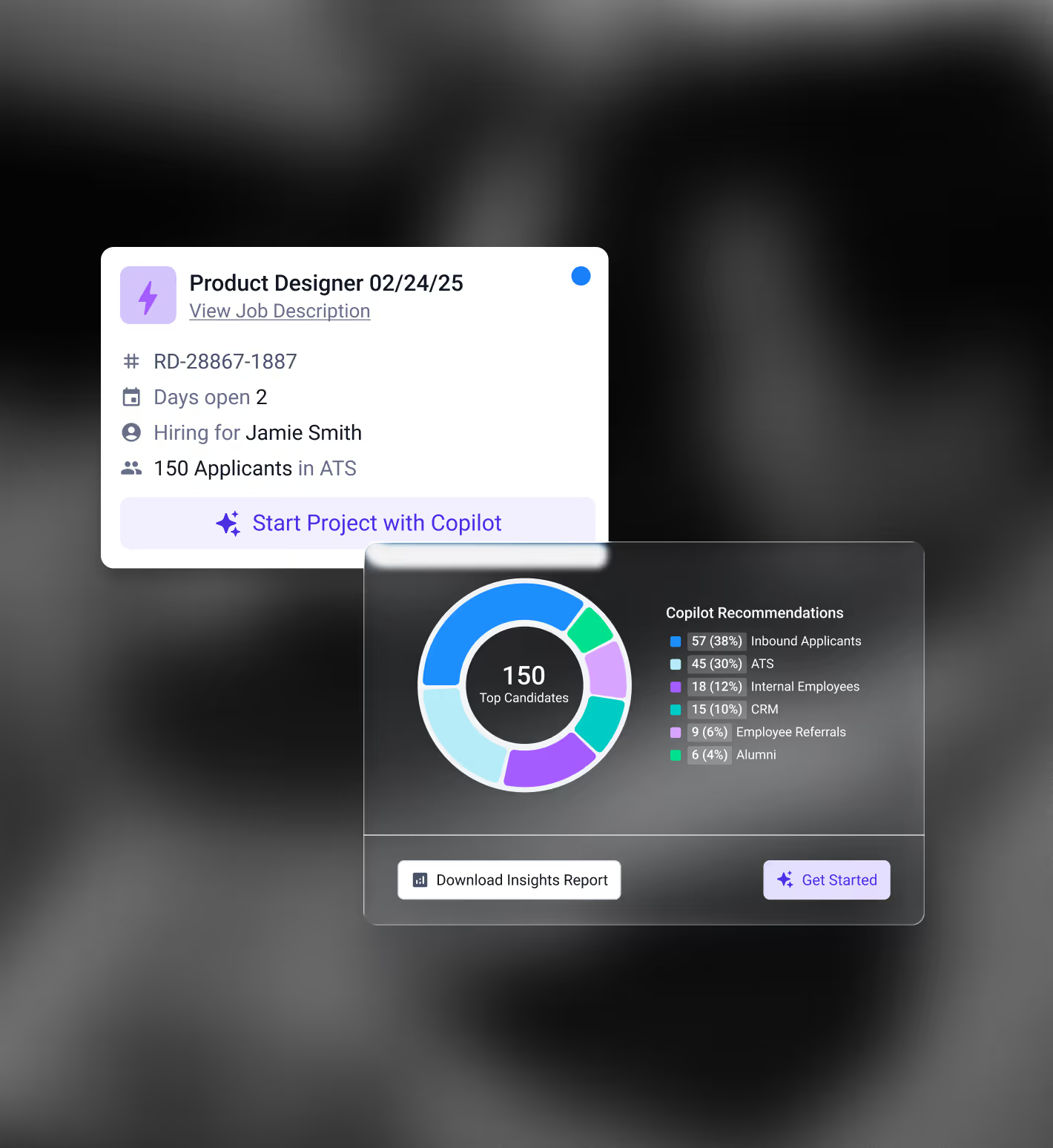
Dashboard showing a Product Designer job listing with details and a pie chart of 150 top candidates segmented by Copilot recommendations from inbound applicants, ATS, internal employees, CRM, employee referrals, and alumni.

Connect with candidates 83% faster.

1
1

Turn roles into ready searches.

Posted jobs are translated into clear search criteria the moment a requisition opens. Copilot reflects the scope, experience, and signals recruiters care about, so sourcing starts with a focused pool instead of an open-ended search.

1
2
2

Reach a strong slate faster.

Copilot surfaces candidates from inbound, ATS rediscovery, referrals, alumni, CRM communities, and external sources in one view. Profiles stay current, so recruiters can review and engage without waiting on manual updates.

2
3
3

Make adoption part of the workflow.

Recruiters spend less time managing channels, and more time reviewing people who are already aligned. Copilot fits into how teams source today, making it easier to use consistently across roles and recruiters.

3
1
1

Shallow signals

Most AI relies on thin inputs like resumes and keywords. It can’t identify warm relationships or trusted connections, which means it’s working with an incomplete picture.

1

Carry context forward at every step.

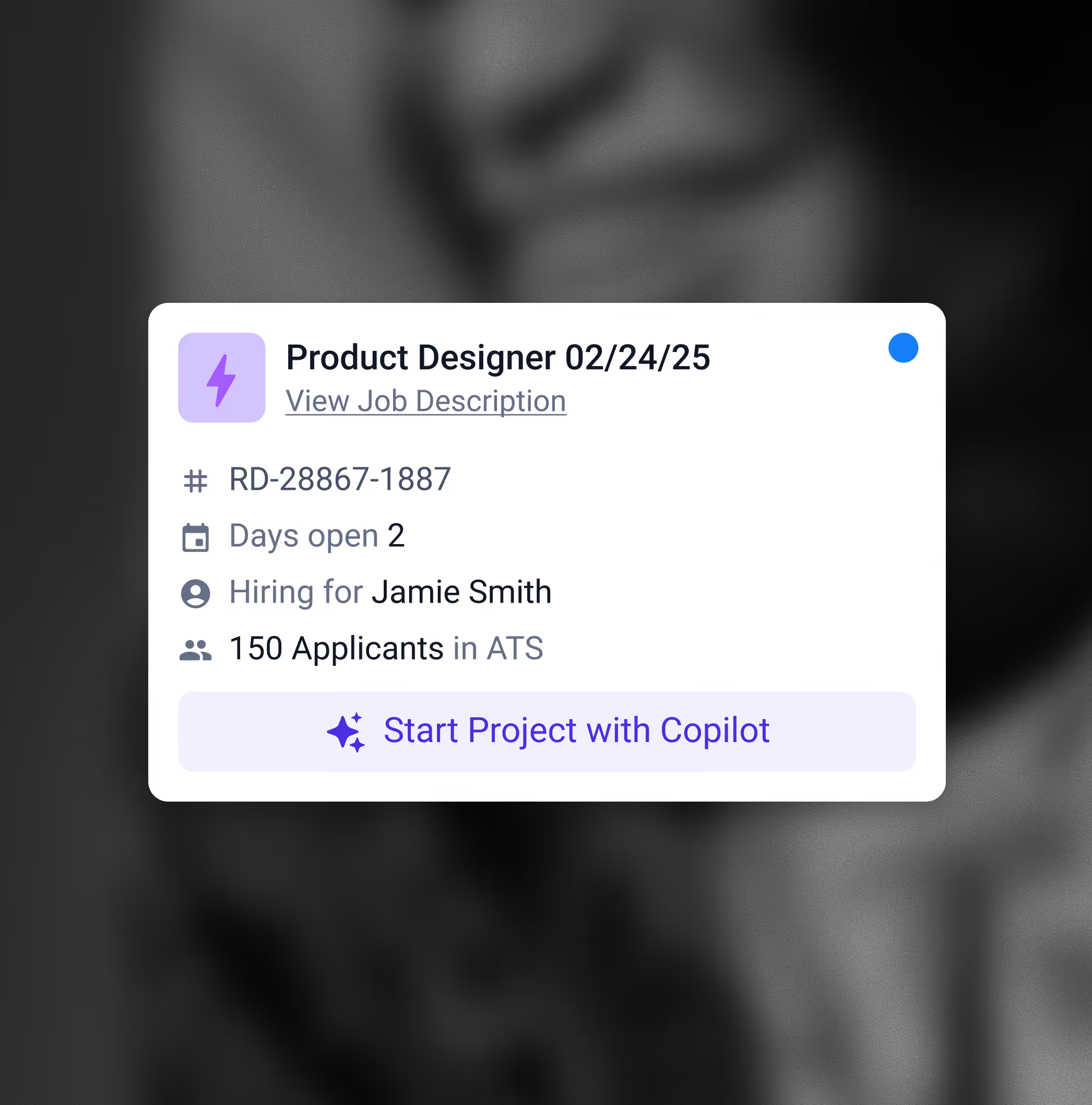
Job listing for Product Designer with job ID RD-28867-1887, open for 2 days, hiring for Jamie Smith, with 150 applicants in ATS and a button to start project with Copilot.

Search that starts ready.

Copilot connects to your ATS and translates job descriptions into clear search criteria when a requisition opens. It works across inbound, ATS, CRM, and external sources to surface candidates whose experience and trajectory align with the role. Recruiters can review or refine criteria when needed, including Boolean.
Success Signals
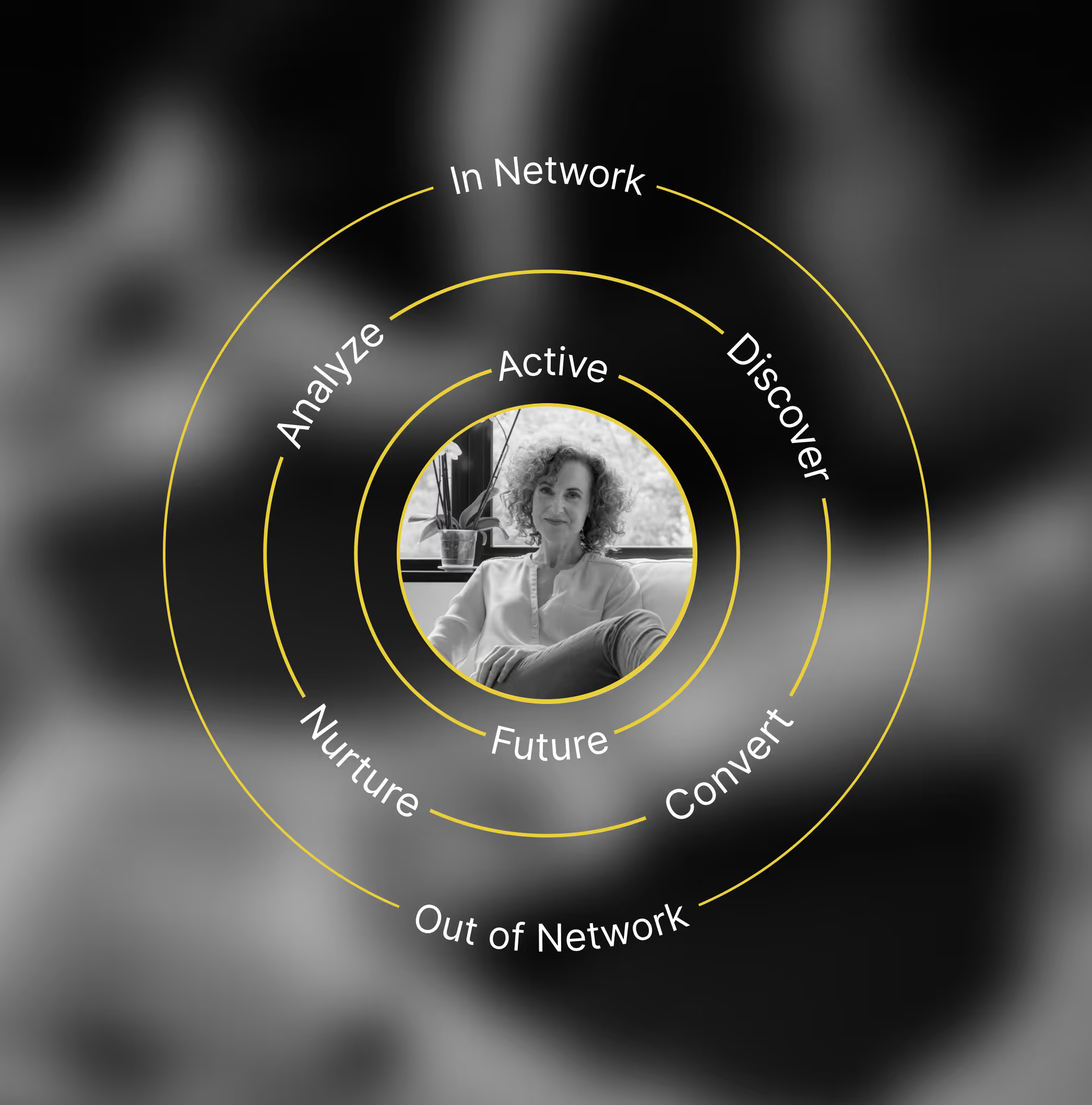
Black and white portrait of a woman with curly hair sitting near a window, surrounded by yellow concentric circles labeled with marketing terms like Active, Future, In Network, Out of Network, Analyze, Discover, Nurture, and Convert.

Pipelines that don't reset.

Copilot brings active and previously engaged candidates from your ATS and CRM into a single, current view based on shared criteria. Relationship Signals add context around engagement and connections, helping teams prioritize candidates and align with hiring managers without rebuilding lists or losing history.
Relationship Signals
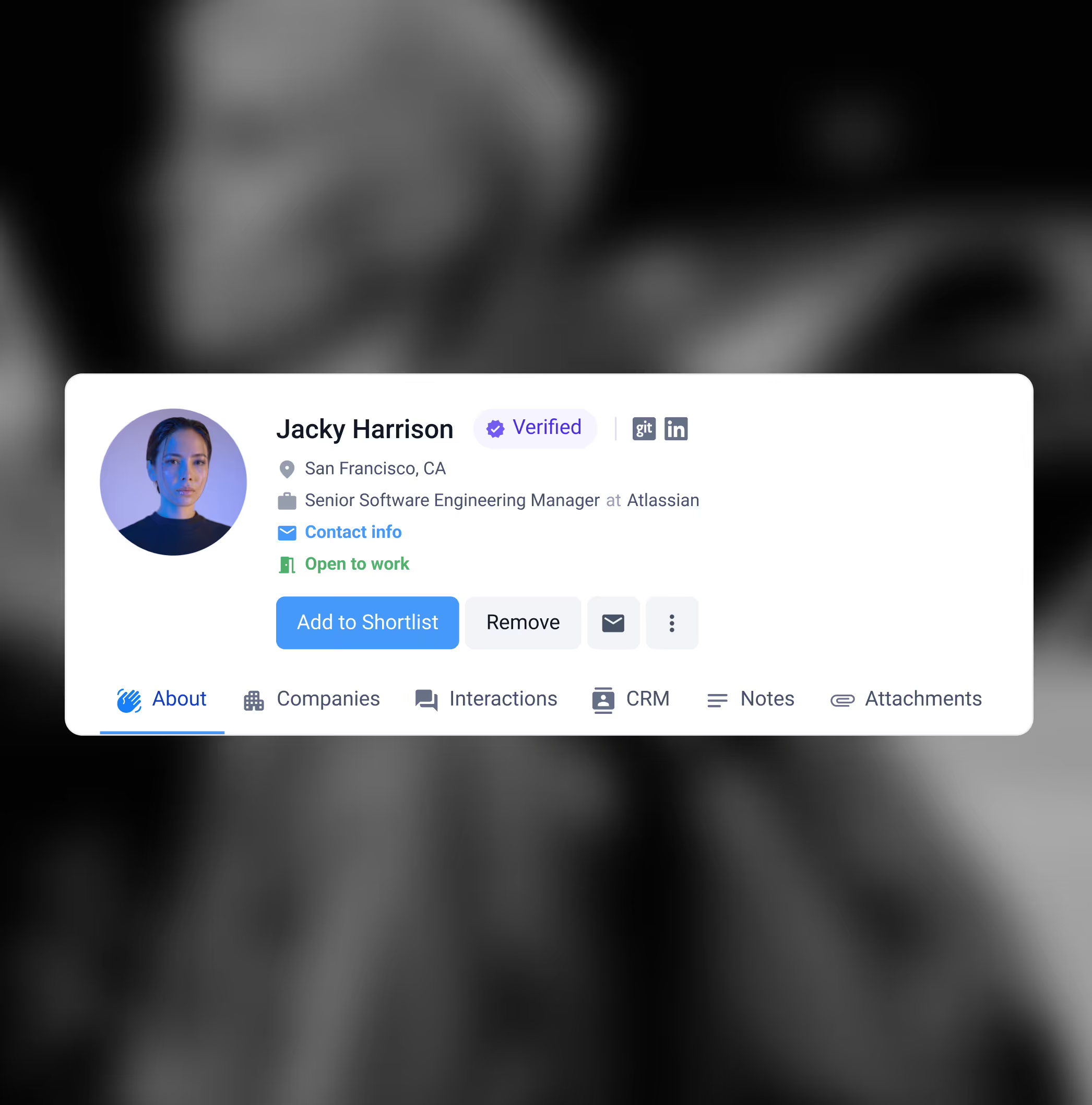
Profile card of Jacky Harrison, Senior Software Engineering Manager at Atlassian in San Francisco, CA, verified and open to work.

Profiles you can trust.

Profiles are continuously updated with verified career history, outcomes, and trajectory. Copilot surfaces the most relevant context in each profile so recruiters can assess fit and send outreach that reflects what a candidate has actually done.

Expert-labeled 3D data

“Findem supercharges us. We can finally focus on the work that’s inherently more creative and human. It’s changing what our jobs look like.”

AI and Innovation Transformation Leader, Top 10 global executive search firm

Meet Fia, your personal recruiting assistant.

Skip the clicks and get straight to action. Be among the first to use Fia, the agentic voice and chat assistant for talent teams.

Get early access

Frequently asked questions.

What is Copilot, and when should recruiters use it?

Copilot helps recruiters start a new role with a prioritized shortlist instead of building a search from scratch. It pulls from the channels you already use, then surfaces candidates with the most relevant fit and context so teams can move to outreach sooner.

Where do Copilot recommendations come from?

Copilot can pull from inbound applicants, your ATS, your CRM, referrals and employee connections, alumni, and external sourcing sources. Results are shown in one view so recruiters can compare channels without switching tools.

How does Copilot prioritize candidates?

Copilot considers role match and channel context. That includes factors like prior applications, existing engagement, CRM history, and shared connections. Recruiters can review and adjust search criteria at any time to shift what Copilot looks for.

Can recruiters edit the search criteria or use Boolean?

Yes. Copilot generates initial criteria from the job description, but recruiters can refine titles, skills, keywords, and experience requirements. If your team uses Boolean, you can review or edit strings as needed.

What does “Verified” mean on a candidate profile?

 “Verified” indicates the profile has been checked for current, reliable contact information and refreshed data. It is meant to reduce time spent chasing stale details and help recruiters reach candidates with more confidence.

See people in higher resolution.

Black-and-white side profile of a woman with shoulder-length hair looking to the right with a blurred urban background.